Internal CMU Researcher Access
Please contact Nanofab Staff to discuss your project and receive an introduction to the Nanofab. Pending approval, new users will be asked to complete the following:
- Submit a new user request via email to nanofab@andrew.cmu.edu. This will generate a ticket to track your onboarding. Staff will reply to the ticket with a full checklist including links to all necessary orientation videos, EHS course sign-up, and virtual reality (VR) tours.
- Complete all required in-person EHS training by signing up through SciSure. Required classes include:
- Hazardous Waste Management
- Laboratory Safety
- Hydrofluoric Acid Safety Training
- Fire Extinguisher Training
- Create an account on FOM - the scheduling software we use for tool access and billing. You will need your Oracle string from your PI to complete this task.
- Watch 7 new user orientation videos and review the assocated slides.
- Reply to your ticket to schedule a VR tour of the lab. You will need 1.5 to 2 hours to complete the VR tour in the Nanofab lobby. The tour will cover Gowning, Safety, and Emergency Response. During the tour, there will be quiz questions you will be graded on. Links to preview the VR experience will be provided by staff following the creation of your ticket in Step 1.
- After completing the VR lab tour, reply to your ticket to schedule a process meeting and first entry tour with the process engineers. You must come to this meeting with a process flow or research plan so we can direct you to the proper tools.
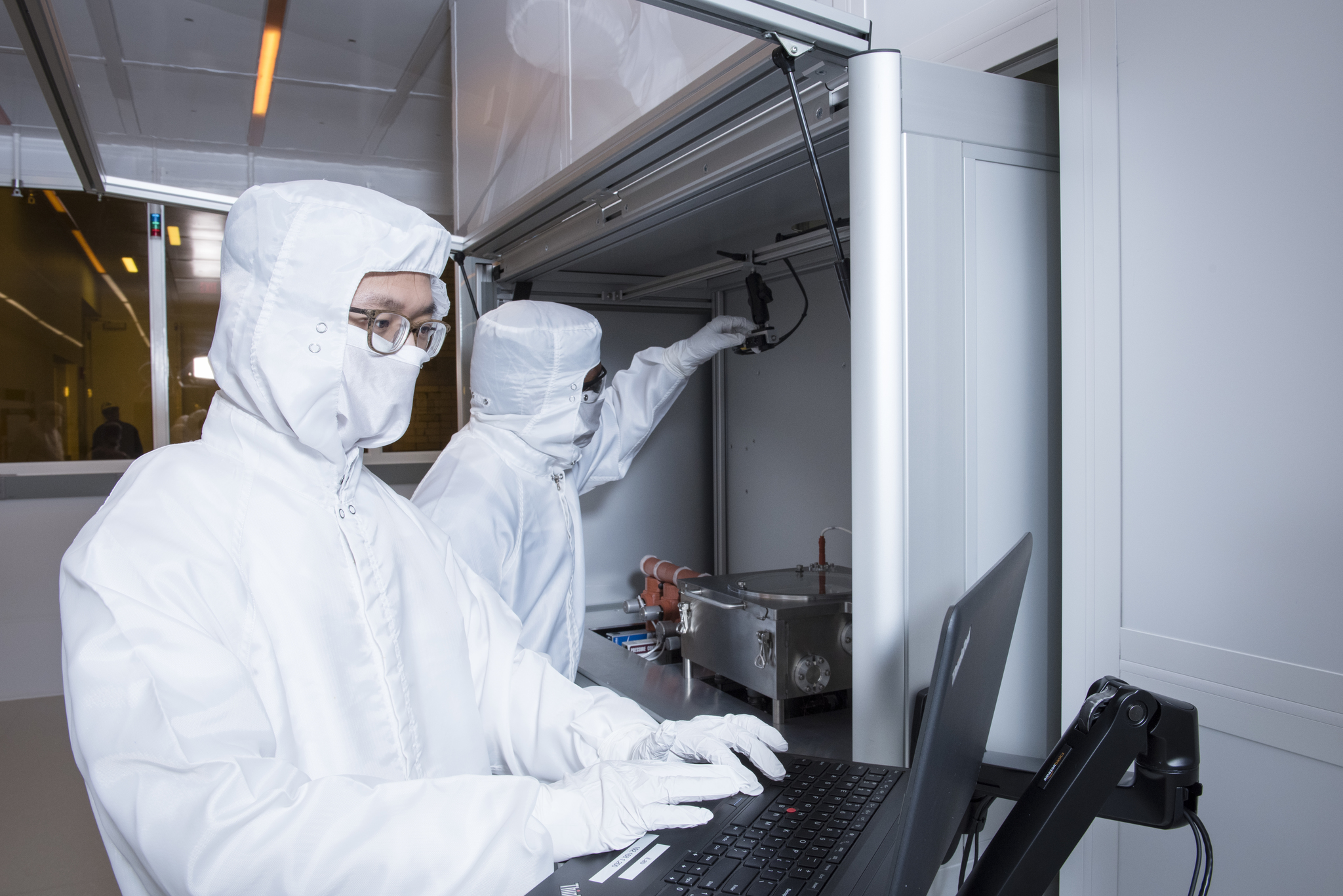
- Complete the first entry tour with a Process Engineer. We will review policies, provide any updates, and have you gown up for the first time. Staff will also verify you have card access and that you have been added to Slack, the Nanofab listserv, Canvas, SciSure, and FOM.